
The fastest way to organize a grocery list is to build one reusable master list, arrange it by your store’s aisle order, and sync it straight from your weekly meal plan. When you’re short on time, the 5-4-3-2-1 method fills in the gaps in minutes. Together these habits turn a messy scramble into a five-minute task.
TL;DR:
- Keep a reusable staple list, then check the pantry, refrigerator, and freezer before shopping to prevent duplicate purchases and unnecessary extra trips.
- Build lists from the recipes for the week, combine repeated ingredients, and schedule perishables near the meals that use them.
- Match list sections to each store’s aisle order; use aisle numbers at familiar stores and broad categories when shopping somewhere new.
- When time is short, choose 5 vegetables, 4 fruits, 3 proteins, 2 sauces or spreads, and 1 grain, plus a treat; add staples separately.
- For allergies or dietary restrictions, tag affected items and keep approved brands on the master list; verify recipe ingredients before shopping.
Table of Contents
- Why organizing a grocery list saves time and money
- A quick menu of practical methods to organize any grocery list
- How to organize by store layout or aisle
- Create a master grocery list and always check your pantry first
- Turn your weekly meal plan into a compact shopping list
- Use the 5-4-3-2-1 grocery method for fast, balanced lists
- Apps and shared lists: how Homecooked streamlines list creation and sharing
- Step-by-step: assemble a weekly grocery list you’ll actually use
- Printable or templated grocery list formats
- Include budget considerations or cost estimates in the list
- Strategies for grouping items by category
- Tips for adjusting the list based on seasonal availability
- Incorporate special dietary needs or allergies explicitly into list organization
- Small habit changes that stick
- Let Homecooked handle the syncing for you
- FAQ
- Sources
Why organizing a grocery list saves time and money
A disorganized list sends you back and forth across the store, and it almost always means you forget something and end up buying it twice. Extension and nutrition guidance points to the same root causes every time: no master list, no pantry check before leaving the house, and a list written in random order instead of by section.
- You spend less time walking the same aisle twice.
- You buy fewer things on impulse because you’re not wandering.
- You waste less food because you’re not duplicating what’s already in the fridge.
A quick menu of practical methods to organize any grocery list
Pick whichever of these fits how much time you have this week:
- Aisle-ordered lists: arrange items to match your store’s layout so you move through it once, start to finish.
- Master list plus pantry check: keep a running list of staples and cross it against what’s actually in your cupboards before adding anything.
- Meal-plan-driven lists: pull ingredients straight from the recipes you’re cooking that week and combine duplicates.
- Heuristics and shared apps: use a quick framework like 5-4-3-2-1 when you’re rushed, or a shared app so everyone in the house adds to one list.
None of these are mutually exclusive. Most home cooks end up blending two, a master list for staples and a meal-plan export for the rest.
How to organize by store layout or aisle
Mapping your usual store once pays off every single trip after that. Walk the aisles with your phone and jot down the order: produce, bakery, meat, dairy, frozen, pantry, whatever your store’s sequence actually is. Save that as a template you reuse every week, just swapping in the week’s items.
- Label sections on your list exactly as your store names its aisles.
- For multiple stores, prioritize perishables at the store with the better produce or meat counter, and split the rest.
- Use aisle numbers for a store you shop weekly; use broad categories (produce, dairy, frozen) for a store you visit less often or when you’re trying a new location.
Pro Tip: Keep a separate mini-template for each store you shop regularly, since aisle order rarely matches between chains.
Create a master grocery list and always check your pantry first
A master list is the backbone of the whole system: one standing list of everything you buy regularly, from olive oil to dish soap, that you check off rather than rewrite from scratch. Guidance from Spend Smart, Eat Smart recommends keeping this list for staples specifically to avoid extra trips and duplicate purchases.
- Include pantry staples, household basics, and anything you buy almost every week.
- Keep it somewhere visible, a note on the fridge or a shared app, so anyone in the house can add to it.
- Run a two-minute pantry, fridge, and freezer check before you finalize the list so you’re not buying what you already own.
Turn your weekly meal plan into a compact shopping list
Building your list from actual recipes instead of memory is one of the most reliable ways to cut waste and avoid last-minute store runs. Dietitian guidance on creating a grocery list recommends making your list from planned recipes and prioritizing perishables so nothing goes bad before you use it.
- Pull the ingredient list from each recipe you’re cooking that week.
- Combine duplicates across recipes so you’re not buying three separate bags of spinach.
- Batch meals that share ingredients, so leftover chicken from Tuesday becomes Thursday’s lunch instead of waste.
- Put the most perishable items last on your list and plan to shop closest to when you’ll cook them.
Use the 5-4-3-2-1 grocery method for fast, balanced lists
When you don’t have time to plan a full week of recipes, the 5-4-3-2-1 method gives you a quick, balanced shortcut: 5 vegetables, 4 fruits, 3 proteins, 2 sauces or spreads, and 1 grain, plus one treat. It’s meant as a backbone, not a complete weekly plan, so round it out with the basics you already keep on hand.
- Scale the numbers up for a larger household or down for one or two people.
- Swap proteins and grains to match dietary needs, plant-based proteins instead of meat, gluten-free grains instead of wheat.
- Add dairy, spices, and pantry staples separately since the framework doesn’t cover them.
Apps and shared lists: how Homecooked streamlines list creation and sharing
Cross-source advice consistently points to the same fix for household chaos: a shared list that updates automatically instead of a sticky note that one person forgets to bring. Our meal-plan automation works this way: when you build a week of recipes in Homecooked, the ingredients sync into a shopping list automatically, so nothing gets left off because you forgot to write it down.
- Syncing your meal plan to your list catches ingredients you’d otherwise miss mid-recipe.
- A shared list means your partner or roommate sees what’s already added and can avoid duplicating items.
- Our post on turning a meal plan into a smart grocery list walks through the same system in more depth.
Pro Tip: Check your shared list right before you leave for the store, not the night before, in case someone added something last minute.
Step-by-step: assemble a weekly grocery list you’ll actually use
Here’s the full routine in order, start to finish:
- Do a five-minute inventory. Open the fridge, freezer, and pantry and note what’s close to running out.
- Pick your meals and pull ingredients. Choose what you’re cooking this week and list every ingredient each recipe needs.
- Fill gaps with staples or 5-4-3-2-1. Add household basics from your master list, and if you’re short on planning time, round out produce and protein with the 5-4-3-2-1 framework.
- Reorder by aisle, add quantities, and share it. Arrange the final list to match your store, note how much of each item you need, and send it to anyone else who’s shopping with you.
Pro Tip: Do the inventory step the night before shopping day, not the morning of, so you’re not rushing past the fridge on your way out the door.
Printable or templated grocery list formats
A printed or templated list works well for anyone who’d rather check boxes than scroll a screen in the store. Spend Smart, Eat Smart publishes printable grocery templates and bilingual fill-in forms designed to be posted right on the kitchen fridge, with sections already organized for staples and weekly items.
A good template does three things: it groups items by category or aisle, it leaves blank lines for the week’s variable items, and it’s reusable so you’re not recreating the structure every time. Retail guides, including Instacart’s breakdown of grocery categories, organize printable templates around the same common sections: produce, dairy, meat, pantry, and frozen, which makes them easy to adapt to almost any store.
If you’d rather skip the printer, our own 7-day printable grocery list guide gives you a template built around a full week of meals, with space to add your own staples. Keep a stack of blank copies on the fridge, or save a digital version you can fill in on your phone while you’re still in the kitchen checking what’s left in the pantry.
Whether you print it or type it, the format matters less than the habit: the same structure every week means less time deciding how to write the list and more time actually using it.
Include budget considerations or cost estimates in the list
Adding rough prices next to items on your list turns a shopping trip into a budget check you can act on before you reach the register, not after. Jot down an estimated price next to big-ticket items, meat, cheese, specialty ingredients, so you can see your running total as you shop instead of guessing at checkout.
A simple way to build this habit: review last week’s receipt and note which categories cost the most, then budget accordingly for the week ahead. If produce ran higher than expected, plan a lighter produce week or shift toward in-season items, which tend to cost less.
Specialty or occasion items are worth estimating separately, since they can throw off an otherwise tight list. A partner resource on building a shopping checklist for specialty candy shows how a focused checklist for a narrow category, in that case candy made without corn syrup, keeps a specialty purchase from quietly expanding your total bill. The same logic applies to any category you buy occasionally rather than weekly: list it separately, estimate its cost, and decide ahead of time if it fits the budget.
Over time, tracking estimated versus actual cost on a few shopping trips gives you a realistic weekly number to plan around, which makes the next list easier to build with money in mind from the start.
Strategies for grouping items by category
Grouping items by category, produce, dairy, meat, grains, frozen, pantry, is the single biggest lever for speeding up a shopping trip, because it mirrors how most stores are physically laid out. Instacart’s category breakdown lists these groupings as the backbone of a faster, more consistent list, and recommends sticking to the same categories every week so the structure becomes second nature.

Start with broad categories that match your store, then get more specific within each one if your list runs long: split “produce” into fruits and vegetables, or “pantry” into baking and canned goods, if that’s where your list tends to sprawl. The goal is a structure you don’t have to think about each time you write a new list.
Categorizing also makes it easier to spot gaps. If your “protein” section is empty for the week, you’ll notice before you’re standing in the store trying to remember what you planned to cook. The same goes for dairy or grains: a category with nothing in it is a signal to check your meal plan again before you leave.
Keep the categories consistent across weeks rather than reinventing them, since a stable structure is what makes a master list reusable in the first place.
Tips for adjusting the list based on seasonal availability
Produce that’s in season is usually cheaper, fresher, and easier to find in good condition, which makes seasonal swaps one of the simplest ways to improve a weekly list without extra planning time. When berries or stone fruit are out of season, swap in whatever’s currently abundant, citrus in winter, stone fruit in summer, squash in fall, rather than paying a premium for something shipped from elsewhere.
A practical way to build this habit: before finalizing your produce section, scan what looks best at your usual store or farmers market and adjust your meal plan to match, instead of locking in recipes first and forcing the produce to fit. This also tends to reduce waste, since in-season produce holds up better and spoils less quickly than off-season imports.
Seasonal adjustment works well alongside your master list. Keep your staples fixed year-round, but treat the produce and protein sections as the part of the list that shifts with the calendar. Over a few months, you’ll likely notice your own rotation: certain vegetables that show up every fall, certain fruits every summer, which makes next year’s seasonal planning even faster.
Incorporate special dietary needs or allergies explicitly into list organization
If you’re shopping for a household with allergies or specific dietary needs, the clearest fix is to build those restrictions into the list’s structure itself rather than trying to remember them item by item. Add a dedicated line or tag, dairy-free, gluten-free, nut-free, next to any item that needs a substitution, so there’s no ambiguity when you’re standing in front of a shelf of similar-looking products.
For recurring dietary needs, keep a short reference list of safe brands or specific products that meet the requirement, and fold that into your master list rather than rediscovering it every week. This matters most in categories where cross-contamination or hidden ingredients are common, baked goods, sauces, and packaged snacks.
When you’re building your list from a meal plan, check each recipe’s ingredients against the dietary need before you shop, not after you’re home unpacking groceries. Our meal plans in Homecooked factor in dietary preferences from the start, which means the ingredients that land on your list already account for the restriction instead of needing a manual check later.
Treat dietary tags as a permanent part of your list’s category structure, the same way you’d group by aisle or by meal, so the accommodation becomes automatic rather than something you have to remember fresh each week.

Small habit changes that stick
Two habits do more work than any app or template: updating your master list the moment you run out of something, rather than waiting until shopping day, and getting everyone in the house adding to one shared list instead of three mental lists. Some households who sync their list to their meal plan report fewer last-minute store runs within the first couple of weeks.
— 0xmaglev
Let Homecooked handle the syncing for you
If building a list from scratch every week still feels like the slow part, some apps let you skip that step entirely. Plan your meals for the week, and your ingredients land in a shopping list automatically, organized and deduplicated, with pantry items factored in so you’re not buying what you already have.
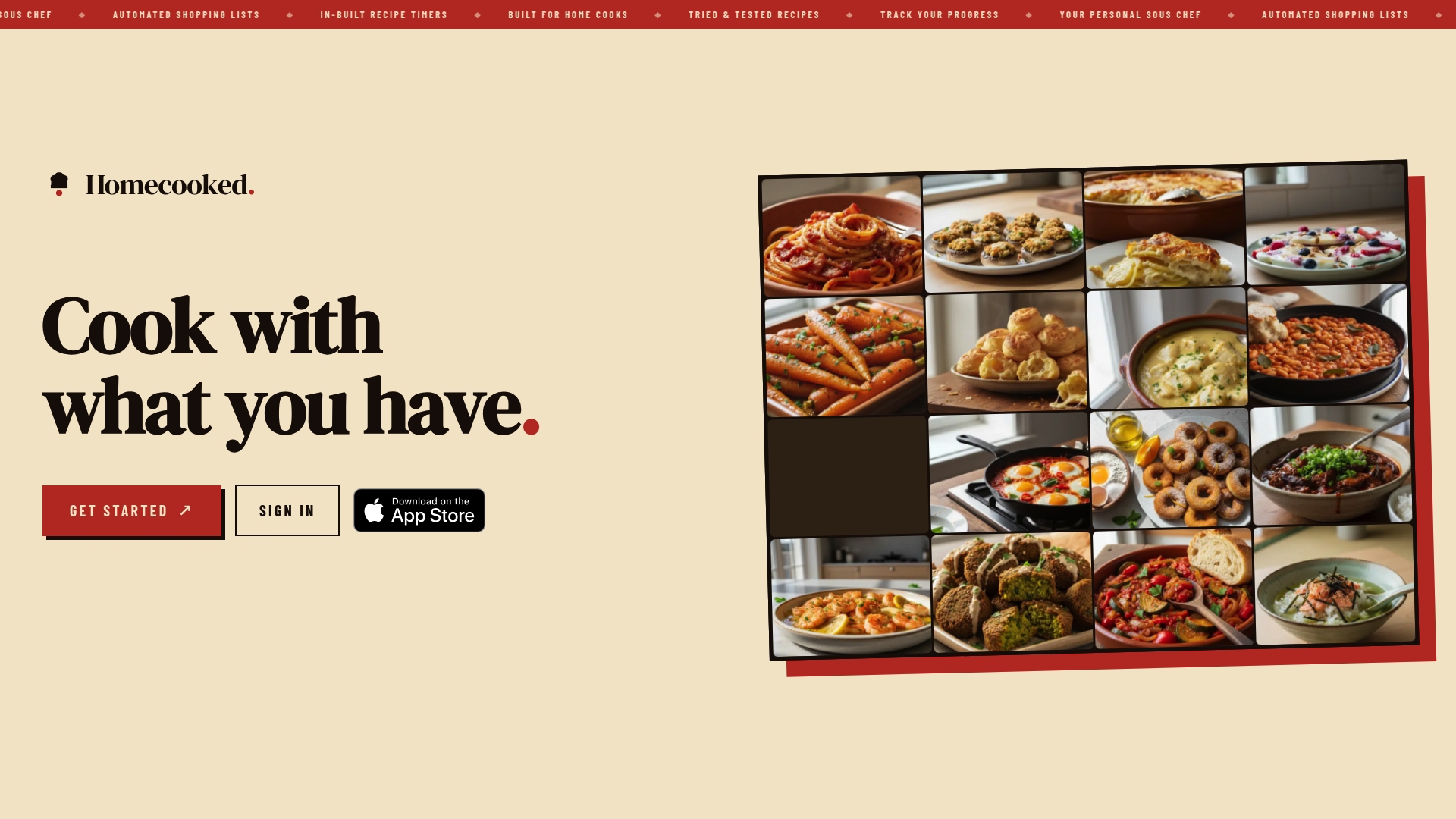
Share that list with anyone else doing the shopping, and everyone sees the same updated version in real time. If you want to see how the meal-plan-to-list sync works for your own week, visit Homecooked and start with a free trial.
FAQ
What is the 5-4-3-2-1 rule for groceries?
The 5-4-3-2-1 method is a shopping framework built around 5 vegetables, 4 fruits, 3 proteins, 2 sauces or spreads, and 1 grain, plus one treat. It’s designed as a quick, balanced starting point rather than a complete weekly plan, so most people add staples and dairy separately.
What is the 3-3-3 rule for groceries?
Definitions of a “3-3-3” grocery rule vary and no single authoritative version is widely documented the way the 5-4-3-2-1 method is. If you’ve seen it referenced, treat it as a personal or informal shorthand rather than a standardized shopping framework.
Is $200 a week a lot for groceries?
Grocery budgets depend heavily on household size, location, and dietary needs, so there’s no single number that applies universally. Tracking your own spending against your typical categories, produce, protein, pantry, over a few weeks gives a far more useful benchmark than any flat figure.
What is the best app for organizing my grocery list?
The right app depends on whether you want a standalone checklist or one that syncs with your actual meal plan. Some apps build your grocery list automatically from the meals you plan for the week, factoring in pantry items and dietary preferences so the list reflects what you’re actually cooking.
Sources
- Shopping Tools - Spend Smart. Eat Smart.
- Creating a grocery list
- The 5-4-3-2-1 grocery shopping method explained
- 17 Grocery list categories to make shopping easy – Instacart