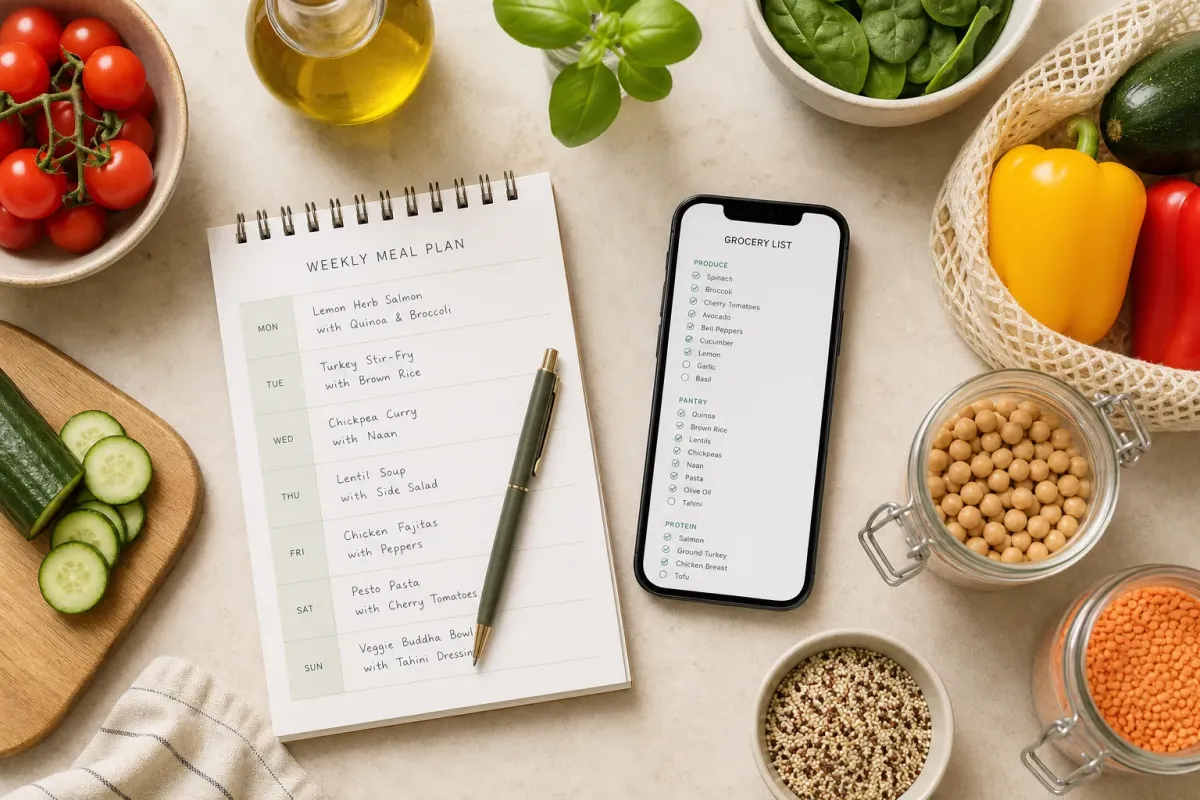
Your meal plan looks tight until the cart says otherwise. A good grocery list app keeps your list tied to the meals you will cook, subtracts what is already in your pantry, and organizes the rest so you move through the store fast.
Here is what to look for, a deep dive on Homecooked for pantry-first planning, and the best alternatives if you prefer simple lists, recipe managers, or family hubs. You will leave with a clear pick and a 10-minute way to test it this week.
What to look for in a grocery list app
- Real meal-plan sync. The list should come from a weekly calendar of recipes. Add Tuesday’s chili and Thursday’s sheet-pan chicken, and the list updates. No copy-paste.
- Pantry awareness. If you already have 2 cans of chickpeas, the app should subtract them when you plan a curry. That means fewer duplicates and less waste.
- Smart consolidation and units. Combine like items and convert units so you do not stand in the aisle doing math. Example: 1 lb ground turkey + 500 g ground turkey should show as one item with a clear total, and three recipes calling for “eggs” should add up to a single count.
- Store-friendly groups. Group items by aisle or department (produce, dairy, pantry). That alone can cut a 45-minute trip down to 25.
- Collaboration that behaves. Real-time shared lists so one person can shop while another is still adding bananas at home, with instant sync and big checkboxes.
- Diet and allergy filters. If you eat gluten-free or dairy-free, the app should filter recipes and keep substitutions sane.
Homecooked: Pantry-first planning that turns meals into a precise list
Why it stands out: Most apps treat your plan, your pantry, and your shopping list as three separate things. Homecooked connects them into one flow. Personalized Cookbooks surface recipes that fit your cuisines, your diet, and what you already have on hand. You map out the week, and your grocery list builds itself from only the ingredients you are actually missing. Then, when you cook, the recipe walks you through steps you can run in parallel — with timers built in — so dinner comes together faster.
How it works in practice
- Stock your Persistent Pantry. Add staples once: olive oil, rice, canned tomatoes, spices. It is quick if you start with the dozen items you reach for weekly, then flesh it out over time.
- Build your week. Add meals to a calendar: say, lentil soup Monday, tacos Wednesday, salmon Friday. If you cook extra for leftovers, bump the servings and Homecooked scales the ingredients automatically.
- Generate your list. The app subtracts what is in your pantry, combines duplicate ingredients into one line, and groups everything by category — produce, dairy, pantry, and so on. Two recipes need garlic? You will see a single entry under Produce, not three scattered lines.
- Swap smartly. Out of baby spinach but have kale? Switch in the recipe and the list adjusts. If a store deal catches your eye, resize servings or move meals and Homecooked rebalances everything.
- Cook faster. Smart Recipes run parallel steps with timers. While rice simmers for 12 minutes, you will be guided to sear chicken and chop cucumbers. Fewer idle gaps, less clock-watching.
Pros
- Pantry-aware accuracy. Automatic subtraction keeps lists tight. You buy what you need, not your third jar of cumin.
- Plan-to-list clarity. One source of truth. Change Thursday’s dinner and your list updates in seconds.
- Diet-fit recipes. Personalized Cookbooks surface meals that match allergies and goals, including curated sets for debloating and reducing inflammation.
- Kitchen time savings. Parallel steps and built-in timers cut idle time and reduce decision fatigue on weeknights.
- Organized lists. Items grouped by category and duplicates combined make in-store navigation simple, even if someone else is doing the run.
Cons
- Initial setup. You get the most from Homecooked after you add a baseline pantry. It is a one-time task, but it is still a task.
- Web-first. It runs in your browser. If you only want a native-only mobile experience, weigh that preference.
Pricing and availability
Homecooked focuses on connecting plan, pantry, and list. Check inside the app for current plans and regions. You can start planning a week and generate a list before committing long term.
Best for
Busy home cooks who want fewer decisions, less waste, and faster nights. Especially strong if you care about diet filters and want your grocery list to reflect your actual kitchen.
Good alternatives depending on how you plan
Simple shared checklist
Why it works: You already plan meals on a whiteboard or calendar and just need a quick list to share. Create items, hand the phone to your partner, and you are done.
- Pros: Instant setup, quick entry, works for any store run.
- Cons: No meal-plan link, limited consolidation, and zero pantry logic, so mistakes sneak in.
- Who it is for: Roommates and couples who want the lightest possible tool.
Recipe manager with calendar and export
Why it works: You like collecting and tagging recipes, then scheduling them. Add a few to a calendar and export a consolidated list.
- Pros: Strong organization, notes, and tags. Calendar ties to a usable list.
- Cons: Pantry tracking is basic, so you may overbuy staples. Planning can feel limited to what you have saved.
- Who it is for: Cooks who love building a personal cookbook and want plan-to-list flow without deep pantry math.
Family organizer hub
Why it works: Everything lives in one place: shared calendars, chores, and a weekly grocery list that everyone can edit.
- Pros: One app for schedules and shopping. Reduces back-and-forth texts.
- Cons: Grocery features are generalized. Setup can feel heavy if you only need lists.
- Who it is for: Families who want to coordinate school nights, practices, and dinner in a single hub.
Health-focused weekly planner
Why it works: Structured weekly plans aligned to goals, with a generated list that respects servings and leftovers.
- Pros: Clear structure helps you stay on track. List math usually matches portions.
- Cons: Less flexible if you like to swap based on pantry finds or store deals. Recipe variety can feel narrow.
- Who it is for: Anyone who wants a set plan to drive shopping with minimal deviation.
How to choose in 10 minutes
- Map your workflow. Do you want to plan inside the app or elsewhere? If inside, pick a tool with a real meal calendar. If elsewhere, a shared list might be enough.
- Decide on pantry depth. If waste and duplicates are pain points, choose a pantry-first option that subtracts what you own.
- Check diet fit. Make sure you can filter recipes for allergies or goals without constant manual swaps.
- Run a live test. Plan five dinners, generate the list, shop once, and cook. Note where you saved time and where the app got in your way.
Recipes to test your new list with
The fastest way to judge any of these apps is to run one real week. Plan a few pantry-friendly dinners like these, generate the list, and shop once — you'll feel the difference between a tidy, pantry-aware list and a blank checklist immediately.
1Chickpea & Tuna Lunch Salad
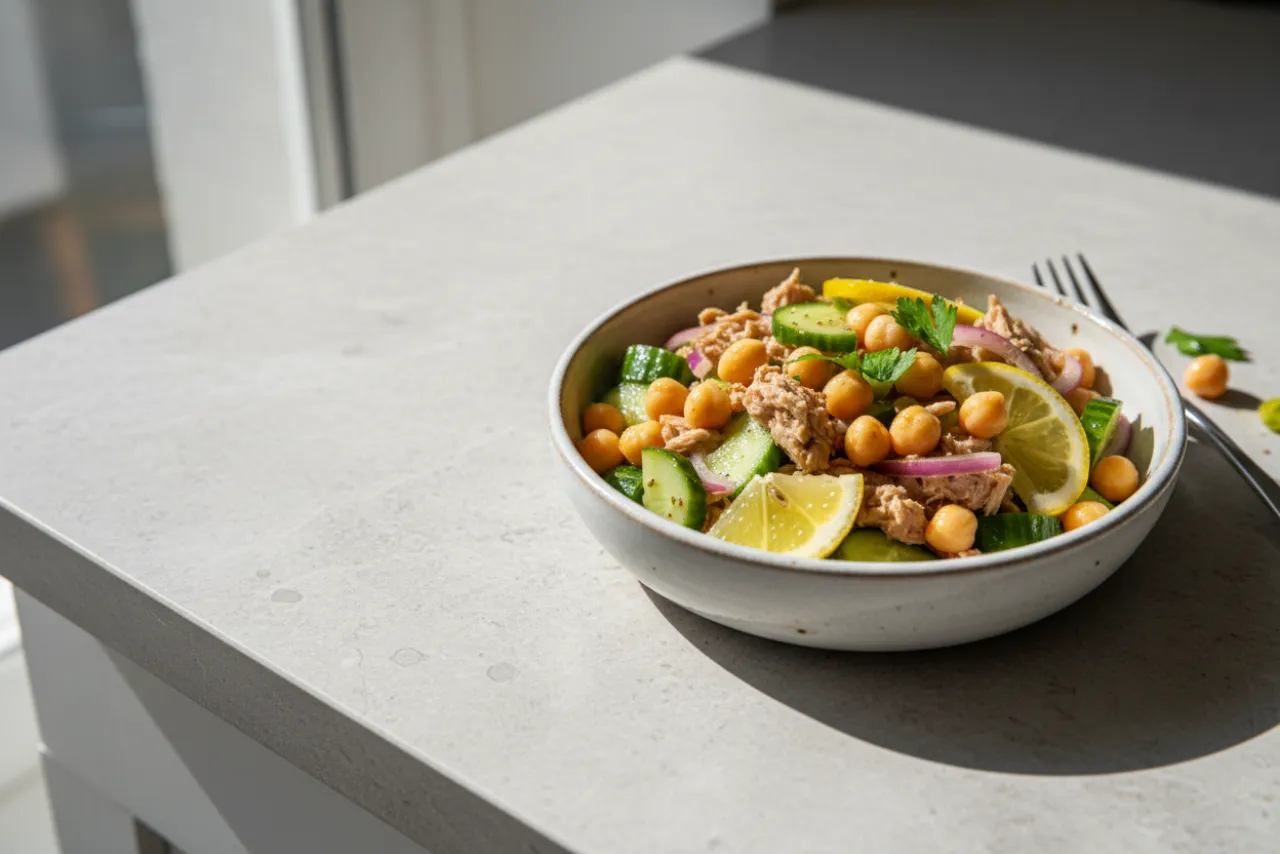
Mediterranean10 min9g fiber24g protein
Tinned tuna and chickpeas with cucumber and lemon — a no-cook, protein-and-fiber lunch in a small, easy-to-finish portion.
View recipe →2Egg Fried Rice
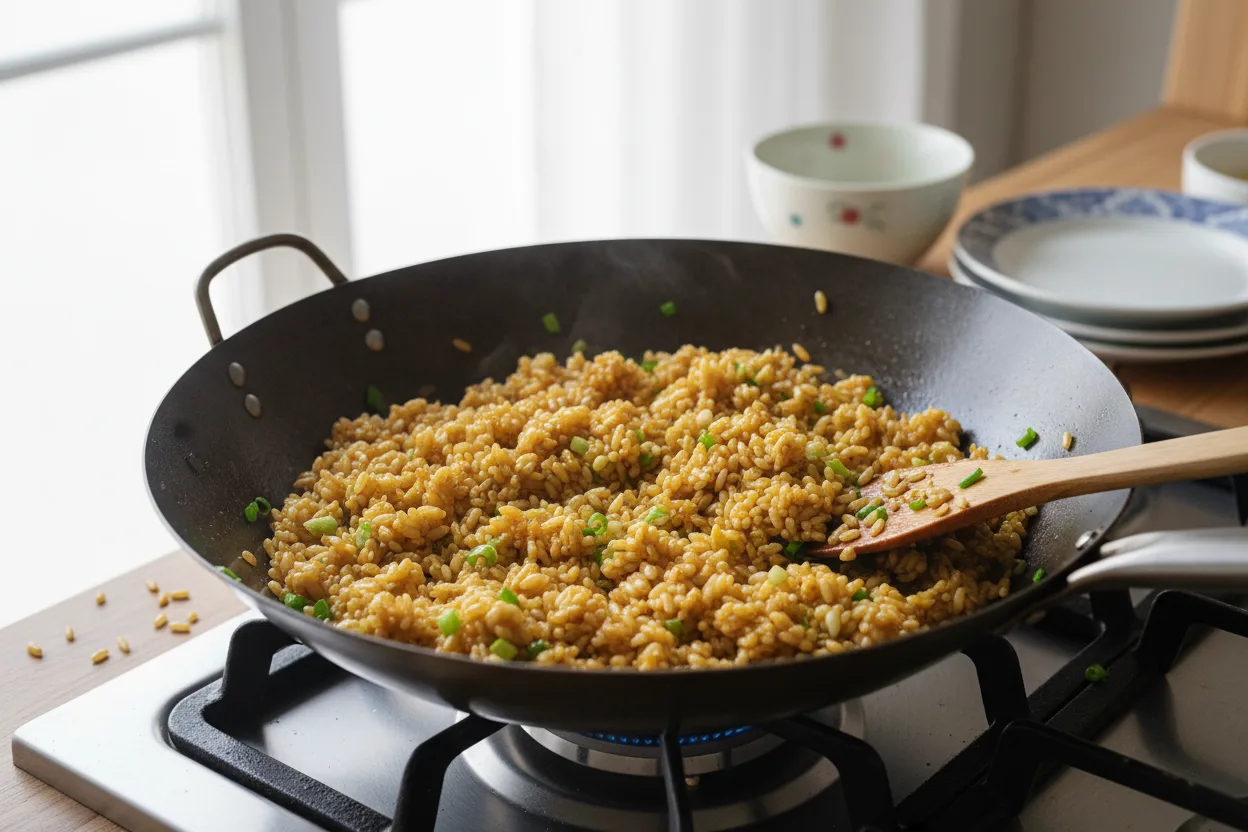
Chinese12 min2g fiber16g protein
Cold rice wok-fried with egg, scallion, and soy — the five-minute classic.
View recipe →3Black Bean & Lime Salad
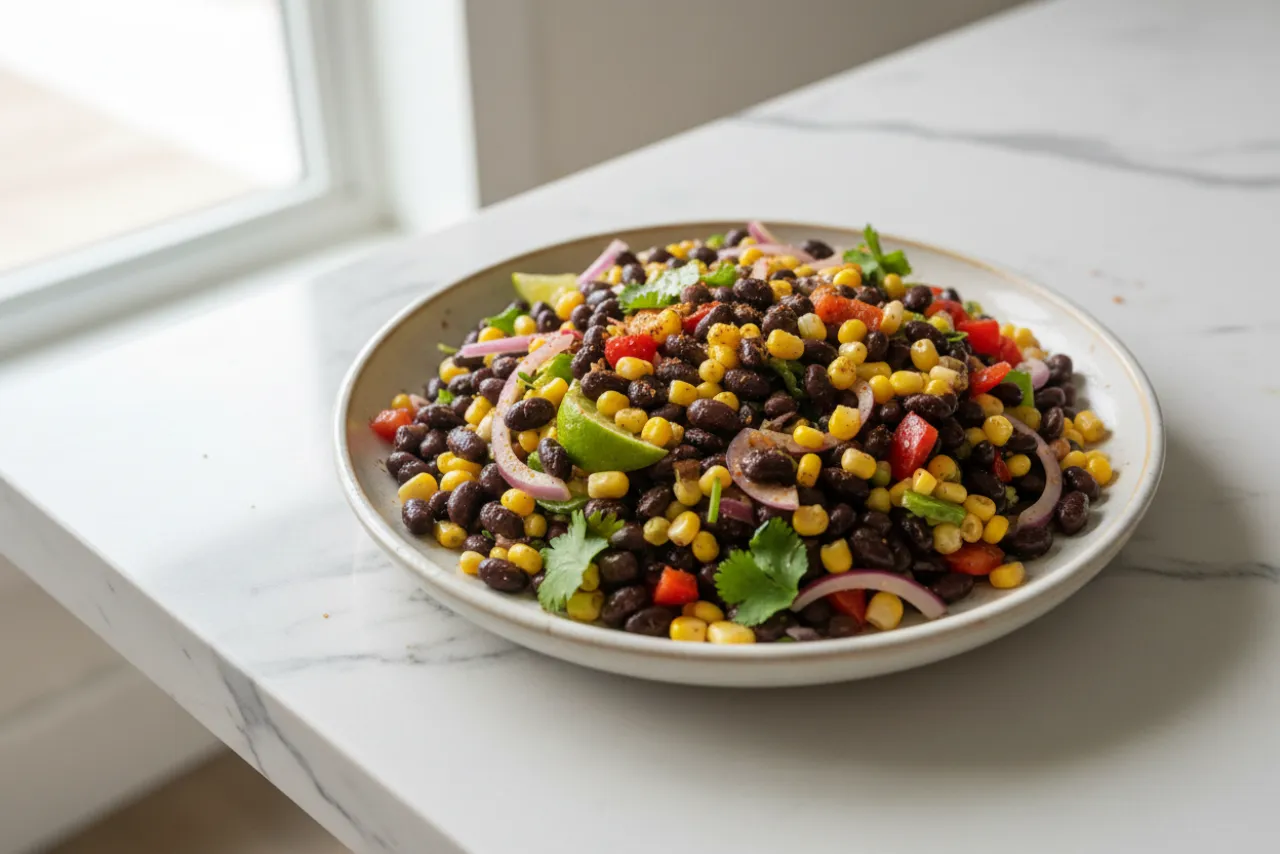
Mexican10 min7g fiber7g protein
Black beans, corn, and lime with cumin — a ten-minute side that doubles as taco filling.
View recipe →4Peanut Noodles
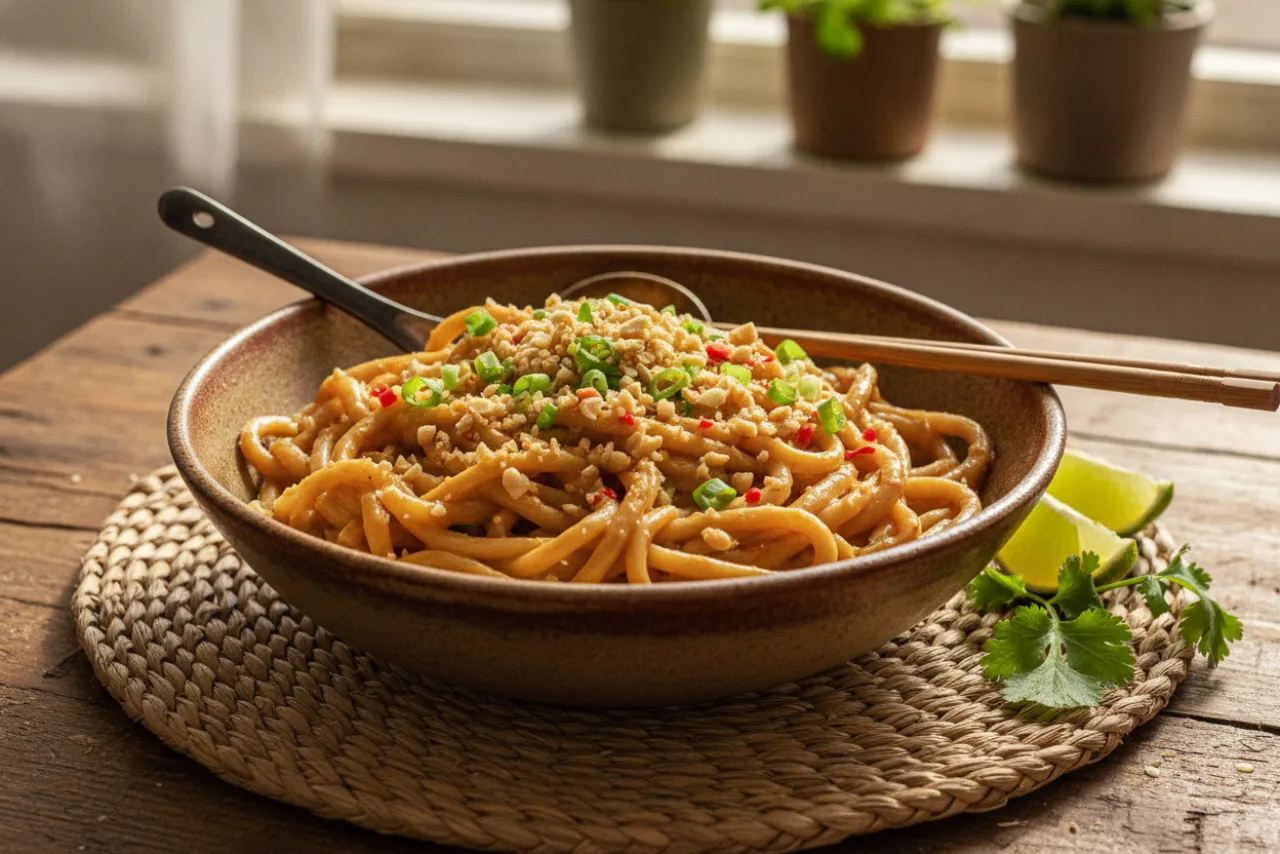
Thai15 min9g fiber19g protein
A pantry peanut sauce — PB, soy, lime, a little heat — clinging to slippery noodles.
View recipe →Key takeaways
- The best grocery list apps start with your plan, not a blank checklist.
- Pantry-aware math is the difference between a tidy list and an overstuffed cart.
- Homecooked links pantry, plan, and list, then speeds up cooking with parallel steps and timers.
- Pick the style that fits your life: simple shared list, recipe manager, family hub, or pantry-first planning.
- Test one real week to judge actual time saved from plan to cart to plate.